
The habits an ordinary day is made of
A glass of water after waking up, a walk, in bed before 11 pm. One tap to tick off. Opens in your phone’s browser.
Nothing to install, no sign-up. Your entries stay in your browser.
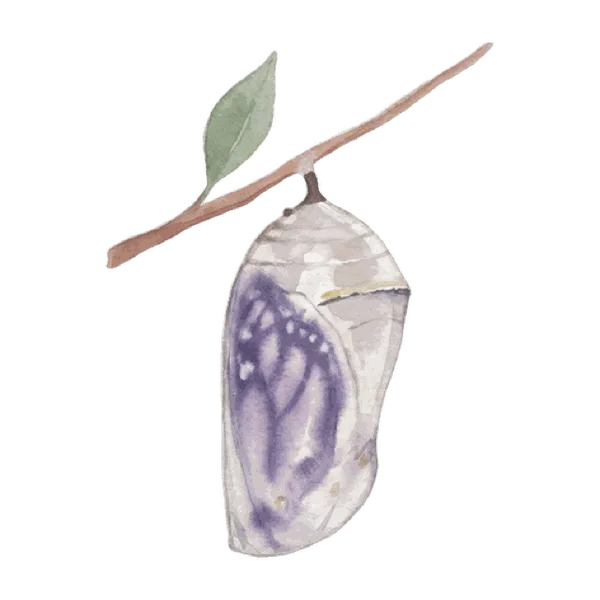


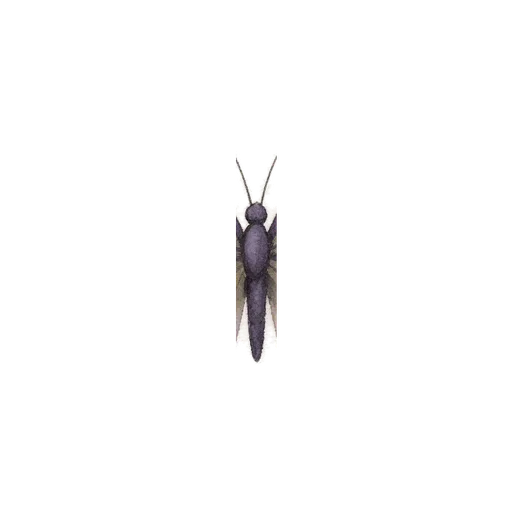
Each tick changes the cocoon.
What it looks like
Screenshots of the real app.
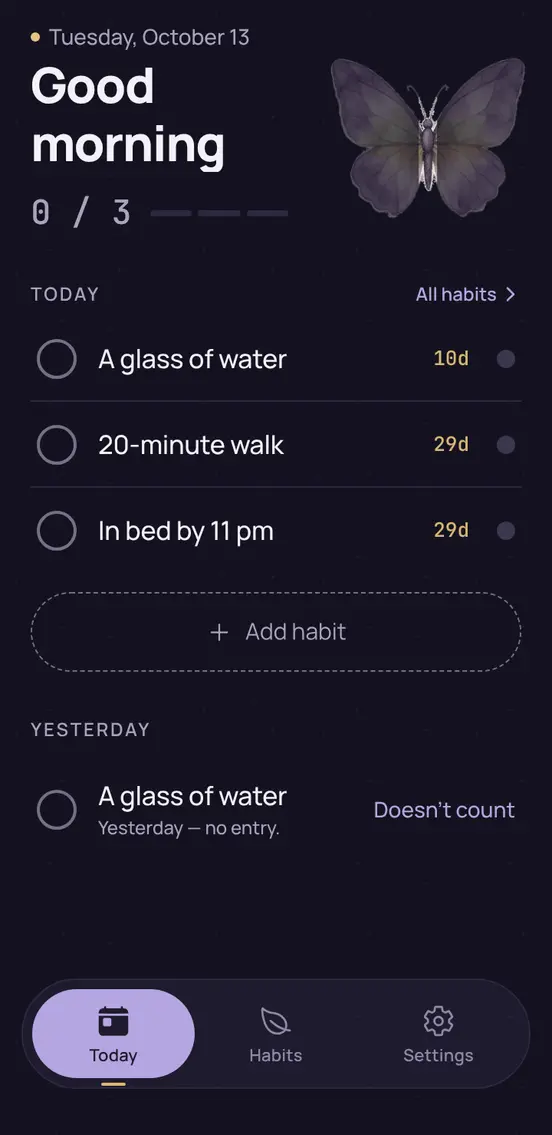
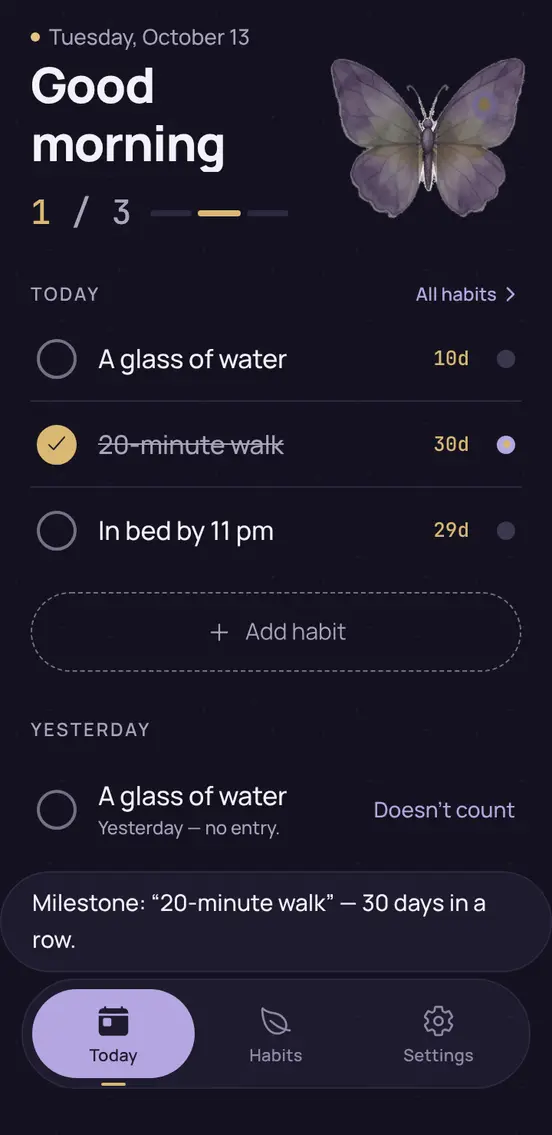
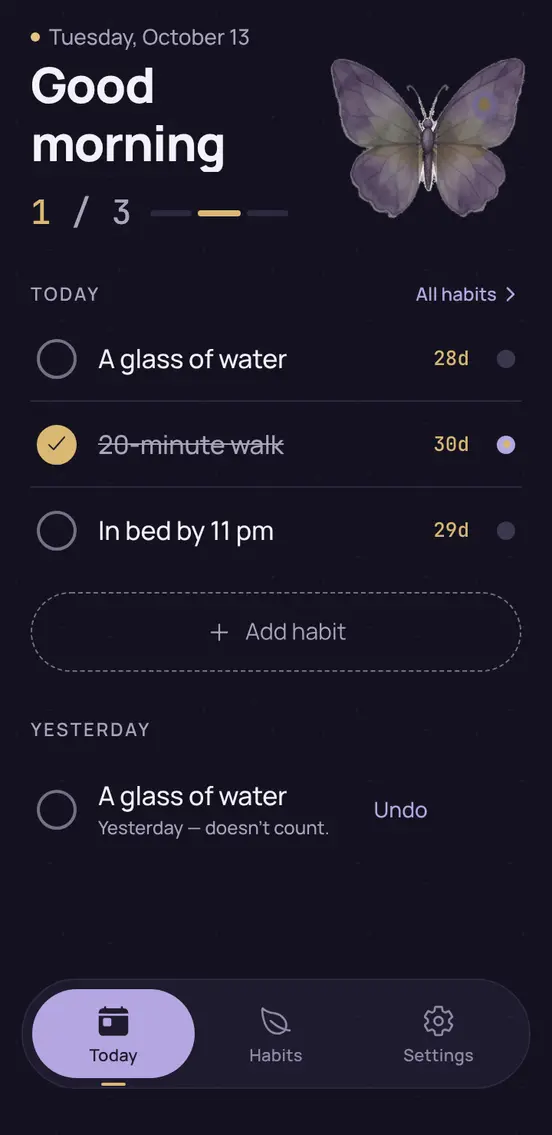
In the morning, today’s list
Habits by time of day, earliest first. The number on the right is the streak.
One tap to tick off
Done — tap the circle. Wrong one — tap it again.
Yesterday — “doesn’t count”
Ill or away: one tap, and the day doesn’t break the streak. Did it but didn’t tick it off — tap the circle.
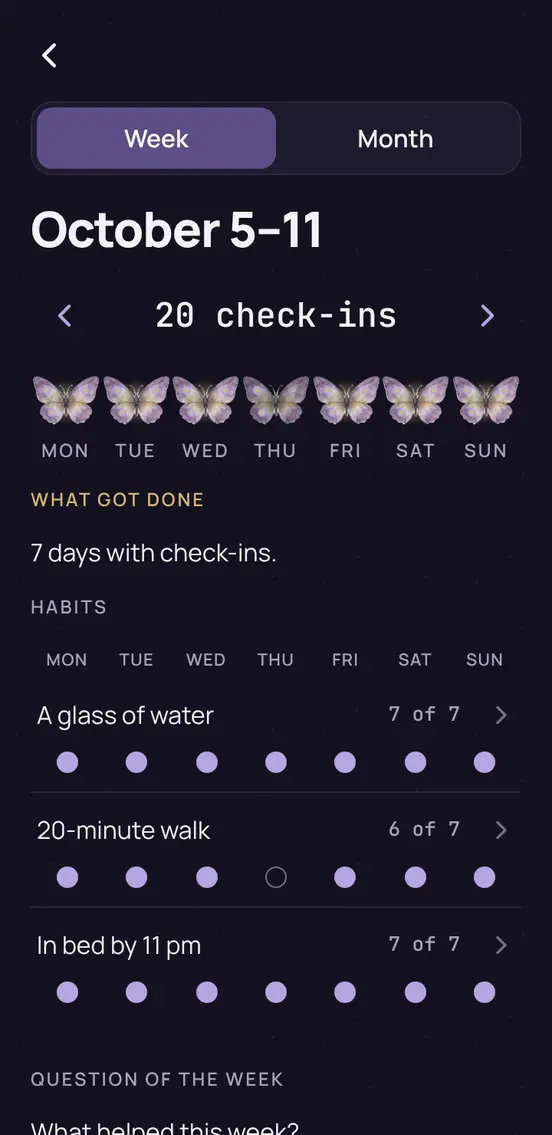
The whole week
Ticks by day and per habit: “6 of 7”. Earlier weeks with the arrows.
What got done
5 days with check-ins. As the minimum: 2 times. Most often: “20-minute walk”. 1 day more than last week.
Example. Last week only comes up when there are more days with check-ins.
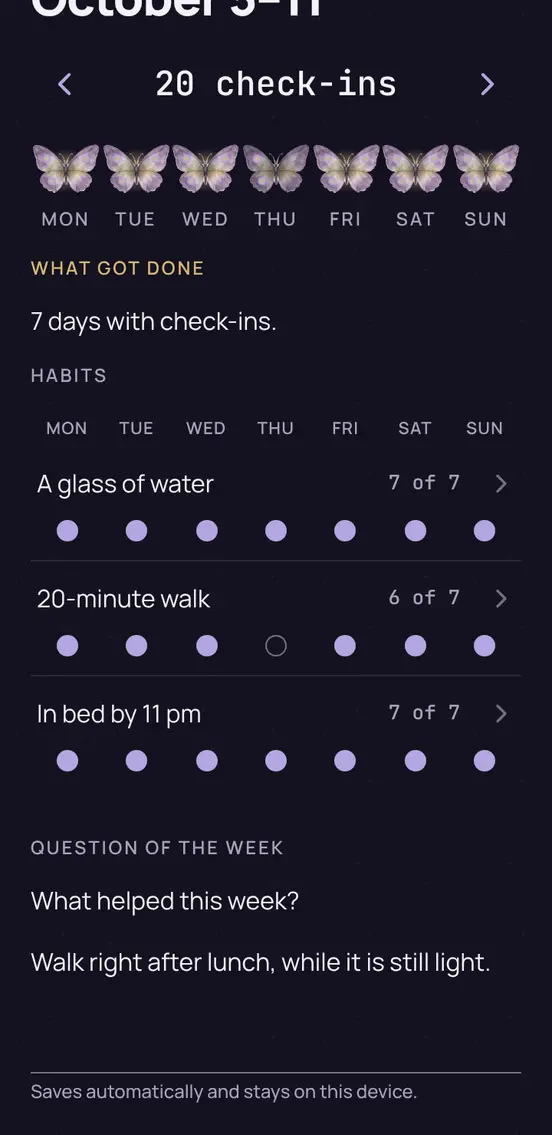
One question a week
“What helped this week?” — optional. The answer saves itself and stays on the device.
A missed day doesn’t reset the streak
Ill, away, no time — mark such a day as “doesn’t count”, and the streak skips it. The streak survives one day a month without an entry anyway.
Minimum for hard days
A habit can have a small version. Do it, and the day is closed and counts in full for the streak.
- 20-minute walk on a hard day: 5 minutes outside
- Glass of water on a hard day: half a glass
- Read 15 minutes on a hard day: 1 page
From the app’s habit library. Your own minimum goes in your own words.
Two weeks of one habit
Streak: 4 days in a row
A second day without an entry in a month breaks the streak.
Tap a day without an entry to make it “doesn’t count”.
What the app does
Today on one screen
The list for today, ticked off with one tap. Yesterday can be marked afterwards.
A missed day resets nothing
The streak survives one day a month without an entry. Days of illness or travel: “Doesn’t count”.
Your data stays with you
Everything lives in your browser. No server, no account, no analytics. Export and delete with one button.
To the Home Screen in three steps
First open the app in your phone’s browser, then three steps. After that it opens from an icon like any other app.
app.jw-metamorfosa.orgiPhone, Safari
- 1. ShareThe square with an arrow pointing up, at the bottom of the screen. On iOS 26, tap “⋯” next to the address first.
- 2. Add to Home ScreenA row in the list below the icons. Not there — scroll down.
- 3. AddTop right. On iOS 26, leave “Open as Web App” switched on.
Android, Chrome
- 1. Menu ⋮Three dots, top right.
- 2. Add to Home screenSome versions call it “Install app”.
- 3. InstallOr “Add” in the confirmation window. The icon appears with your other apps.
Add it first, then tick: on iPhone the icon keeps its own entries, separate from Safari.
A habit that becomes your own stays
Every check-in is a layer of paint on its category's butterfly. The paint doesn't fade.
- Outlinefrom the first check-in
- Veins15 days checked
- Pattern40 days checked
- Golden edge66 days checked
Days don’t have to be in a row: a missed day erases nothing. From the 66th day checked, the habit stays in the “Garden” with a golden edge, even when paused or archived.
Who makes it and where the data lives
Made by irespect LTD
Paphos, Cyprus. Full details and contact — in the imprint.
Entries stay in your browser
Habits, ticks and notes stay on this device. None of it is sent to us: no account, no analytics, no cookies.
The site is served by Hostinger
The files of the site and the app come from Hostinger International Ltd. (Cyprus). Like any server, it sees the IP address and the time a page is opened. Your ticks never go there.
Common questions
New phone — will my entries be lost?
Not if you save a backup: “Settings” → “Backup”, then on the new phone “Restore from file”. Without a backup, entries stay only in this browser.
Is it free?
Currently it’s free: no account and no ads.
Does it work offline?
Once the app is open, yes: check-ins are saved on the device. Opening it again needs a connection.
Why isn’t it in the App Store?
It’s a web app: it opens in the browser, or from an icon on the Home Screen like any other app. No account or app store needed.
To the Home Screen in three stepsStart with one habit.
Open the appOr start right away with one of these five — it will already be selected in the app.